Research-based product review · 9 min read · Source check: November 4, 2026
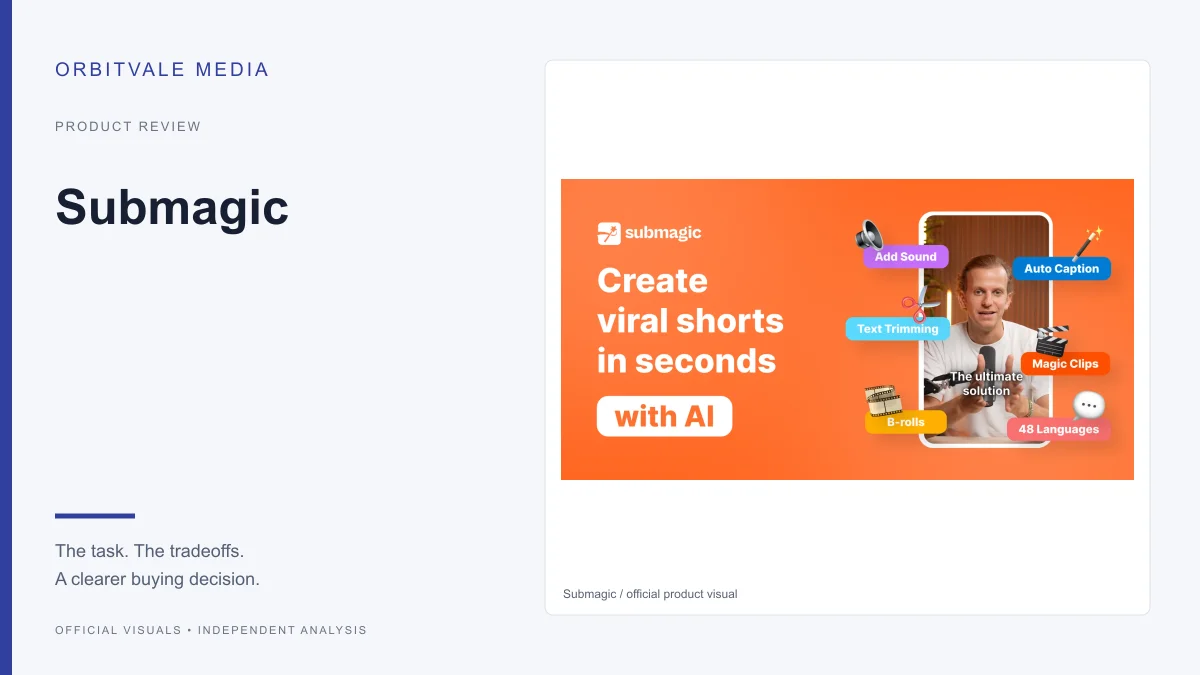
Submagic is a strong candidate when footage already exists and the bottleneck is making short clips clear and ready for publication. Caption styling, pacing and supporting visual edits sit close to the daily work of social video teams. The purchasing mistake is to treat an attractive caption preset as proof that the final clip explains the product accurately.
Our preference is to evaluate Submagic on one difficult product demonstration and one spoken clip. The first tests whether captions cover a detail the viewer needs to see; the second tests names, timing and sentence meaning. Judge the reviewed export on a phone, including the time needed to repair it, rather than the appearance of the editing preview.
Table of Contents
The buying decision
| Put it on the shortlist when | Choose another route when |
|---|---|
| A creator or small marketing team publishing recurring short videos from footage it owns and can review. | A brief that begins with no footage and needs a coherent generated story, or a complex film edit requiring extensive timeline and finishing control. |
A realistic job for Submagic
A cycling accessories store has a 45-second demonstration of a light mount. The word “not” in a warning and the exact model name matter more than a punchy hook. A proposed evaluation compares a restrained caption treatment with a more animated treatment, checking that neither covers the locking mechanism or makes the warning harder to follow.
What the capabilities mean in practice
Caption workflow
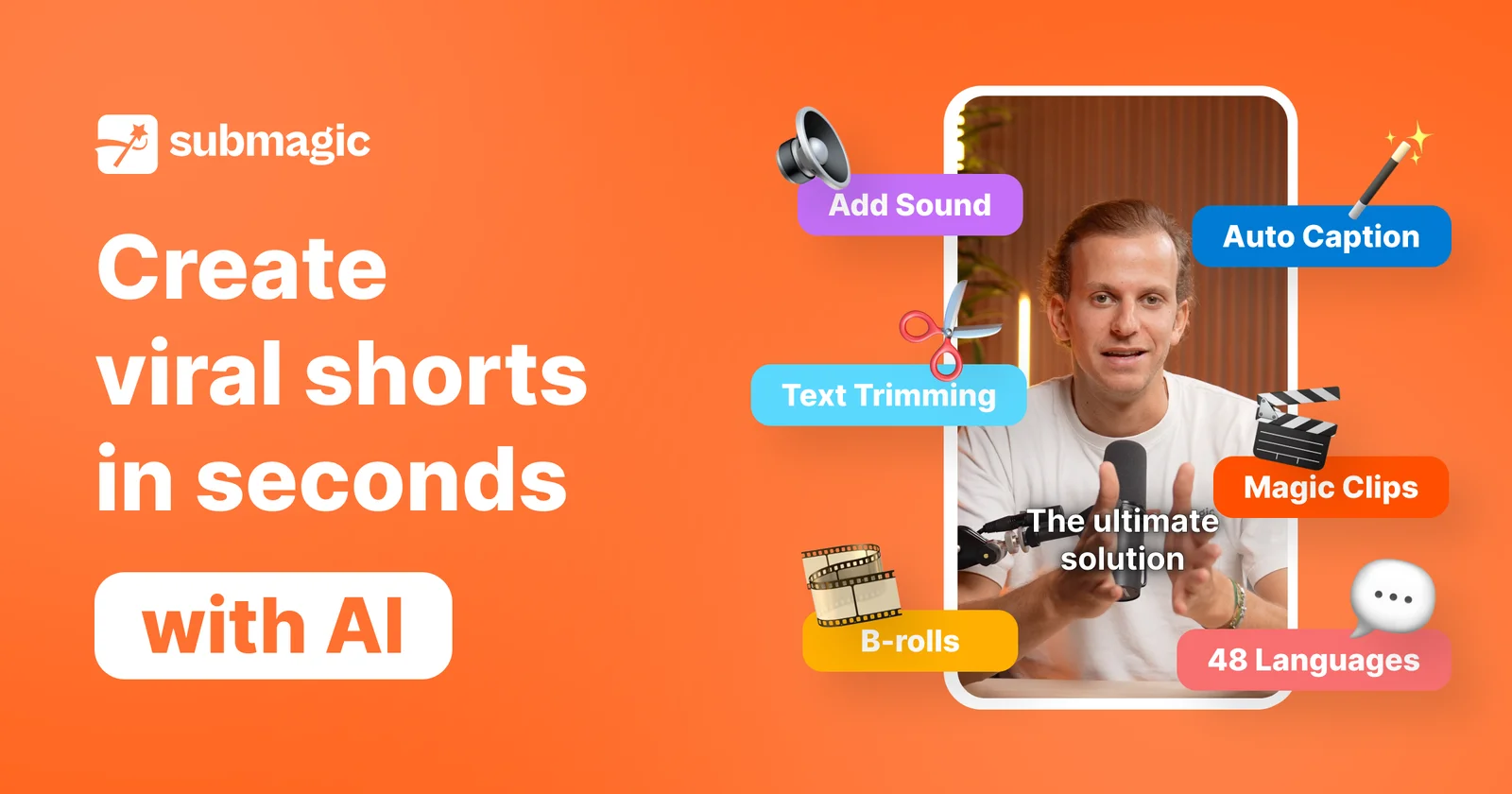
Submagic offers AI-assisted captions and short-video editing tools. Official product overview.
Correct the transcript before styling. A beautifully animated wrong size or discount creates customer confusion more efficiently.
Video finishing
The vendor presents tools for pacing and supporting visuals. Official product overview.
Treat B-roll and emphasis as editorial decisions. A generic insert should not imply a feature or product use absent from the source footage.
Team production
Plans include different collaboration, allowance and API options. Official product overview.
Identify who can change an approved clip and which version is ready to post. Shared access without an approval convention can undo corrections.
Allowance model
Current plans use a credit-based structure with selected entitlements. Official product overview.
Check video length, generation actions, watermark and export requirements on the exact tier; old tutorials may use another pricing structure.
Current plan boundaries
Paid members plus plan credits/video allowances; generated media and editing allowances should be confirmed at checkout. Official plan source.
Monthly plan cards show Starter USD19, Pro USD39 and Business USD69 per member per month.
Starter lists 45 credits/about 15 videos and two-minute video duration; Pro 120 credits/about 40 videos and five-minute duration.
- The page's repeated plan tables disagree on Starter API allowance: one says 100 minutes/month and another 10 minutes/month. Do not publish a definitive API quota from this page.
- Plan-dependent source length, export quality and brand features matter more than the headline videos-per-month figure.
The snapshot above is tied to the review date. Promotions, billing interval, location and account migration can change the payable amount. The decision below uses the cost drivers rather than pretending a headline fee describes every configuration.
A practical evaluation sequence
Use the following as a proposed pilot. Keep source inputs and accepted outputs so another person can review the result. The sequence is designed around the task above; it is not a claim that OrbitVale ran an account test.
1. Prepare the master transcript
Write the correct product name, measurement and warning. Keep this reference alongside the source clip so every caption revision has a factual baseline.
2. Reserve safe areas
Mark the product feature, face and platform interface zones. A caption can fit the frame yet still hide the action the viewer came to understand.
3. Apply one caption treatment
Begin with readable contrast and controlled line lengths. Add animation only where it supports emphasis or the rhythm of the speech.
4. Inspect every factual word
Pause on prices, dates, negations and model identifiers. Read the caption against the audio; do not assume a spelling correction preserves the timing.
5. Compare the exported clip
Watch with sound, then muted, on the intended phone size. Check the opening frame, closing instruction and any shift in crop.
6. Measure finishing effort
Record the minutes spent correcting the transcript, styling, reviewing and exporting. Save the accepted preset only after the difficult clip passes.
The operating details that decide the fit
Build a caption quality hierarchy
Review factual accuracy first, timing second and visual styling third. A caption that changes “does not fit” into “does fit” is a more serious failure than a slightly awkward line break. Product names, quantities, prices and qualifications deserve deliberate inspection. The transcript should remain connected to the source recording so a later correction has a reference.
Next, check reading time and placement. A viewer needs enough time to read and see the action. Place the demonstration, face and platform interface in the frame before choosing a text zone. A preset that works for a talking head may hide the important part of an assembly video.
Judge the beginning and ending separately
Clipping errors often sit at the boundaries. A segment may begin after the subject was named or end before a condition was explained. Watch the original context around the proposed cut. A standalone short should communicate one complete idea without inviting a broader inference than the source supports.
Review the publishing title and hook as part of the same message. If the title promises a guaranteed result and the speaker described a conditional example, the clip is misleading even when the captions are exact. Editing needs an owner for meaning as well as timing.
Measure useful yield from the source
Create three counts: candidates, editor-approved clips and published clips. Candidate volume reflects the tool’s suggestions; approved yield reflects actual production usefulness; publication adds channel scheduling and audience judgment. Keep those denominators separate.
For a hypothetical source hour yielding four approved clips, record how much correction each needs. A second recording may yield only one complete idea. The difference may come from source quality rather than software performance. A fair trial uses more than one type of recording and reports the limitation instead of presenting the best source as typical.
Keep the correction path short
A late price or compatibility update should be traceable from the source statement to every affected output. Maintain a simple register containing source, clip ID, approved title, export and publication destination. This is especially useful when several editors work on derivatives.
Save the approved caption text and an editable project where available. A final compressed file is useful for publishing but can be expensive to repair. Before adopting a new tool, test one ordinary revision and estimate the time it would take across a month’s clips.
Tradeoffs and reasons to reject the fit
Captions compete with evidence
Large animated text can obscure a demonstration. The product action should remain visible throughout the relevant sentence.
A hook changes the promise
A stronger opening must still match the clip. Remove language that implies a result the footage does not support.
Fast output hides revision work
A batch of drafts is not a finished publishing calendar. Count only clips that survive factual, audio and visual review.
Pricing the complete job
Credits, editors and finished clips
For 30 monthly clips, seven minutes of correction and four minutes of final review total 330 minutes. If a new visual treatment adds three minutes per clip, another 90 minutes enters the workload. Compare the selected subscription with the complete 420-minute example rather than assuming automation removes review.
| Cost line | Include in the estimate |
|---|---|
| Required subscription | Use the tier that contains the actual workflow and record currency, billing interval and team size. |
| Variable services | Count the real billing unit and separately priced carrier, payment, communication or model services. |
| Setup and change | Include source cleanup, integration, training and the first meaningful revision. |
| Review and exceptions | Budget the people who approve outputs, investigate discrepancies and complete customer follow-up. |
| What disappears | Only count a saving when the old subscription or manual task can actually be retired. |
Keep a normal-month estimate and a busy-month estimate. Use the same accepted outcome in both. If the tool produces an intermediate draft, alert, record or label, include the remaining work needed to complete the customer or publishing task. Replace the example assumptions with your own observed figures after the pilot.
Alternatives and the boundary between jobs
OpusClip
Read the OpusClip review. A webinar, podcast or interview team with owned source material and a reviewer who understands the subject.
OpusClip fits a content library problem: a business has long recordings and wants help finding smaller segments worth publishing. Segment discovery and reframing can remove part of the first editing pass. The final decision remains editorial, because the most energetic sentence may not be a complete or accurate answer.
Descript
Read the Descript review. A publisher editing recurring spoken material who wants transcript-led navigation and AI-assisted production tools.
Descript is particularly relevant to speech-heavy production: interviews, founder explainers, tutorials and podcasts. Working through a transcript can make navigation and restructuring easier than searching a long timeline for every sentence. The transcript is a map, however, and the audio performance still determines whether the edit sounds natural.
StoryShort
Read the StoryShort review. A creator with an original educational or narrative concept and a person who can approve scripts and complete episodes.
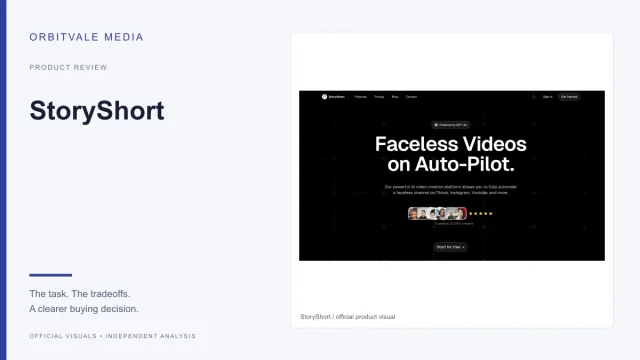
StoryShort is relevant when production begins with an idea or script and needs a connected short-video story. Its appeal is the connection between narrative, scenes and narration rather than the finishing of an existing interview. The editorial challenge is that an automatically assembled episode can look complete while its explanation is weak or its recurring character changes identity.
A decision record to keep
For Submagic, record the selected account and plan, the specific job, the accepted output and the unresolved limitation. The acceptance decision should explain whether “captions compete with evidence” is manageable for this business. Name the owner of the next review and preserve the result of the changed-case exercise, not only the easiest first pass.
Our recommendation
Submagic is worth a deliberate trial when this describes your business: A creator or small marketing team publishing recurring short videos from footage it owns and can review. The case is weaker when this remains true: A brief that begins with no footage and needs a coherent generated story, or a complex film edit requiring extensive timeline and finishing control. Start with the bounded scenario, price the complete job and expand after the team can explain the exceptions. Open the official Submagic website.
Sources, image credits and scope
OrbitVale’s analysis combines official product information with proposed operating exercises. We have not represented these exercises as hands-on tests, measured vendor results or customer case studies. Calculations use stated assumptions. Product and plan sources were reviewed on November 4, 2026.
Submagic: Official overview · Current pricing.
Official visuals are credited beside each figure; they are vendor-published material, not independent test screenshots. Interactive plan displays and account-specific terms can differ. Confirm checkout, region and required entitlements before purchasing. See our editorial method and commercial disclosure.