Research-based comparison · 8 min read · Source check: November 4, 2026
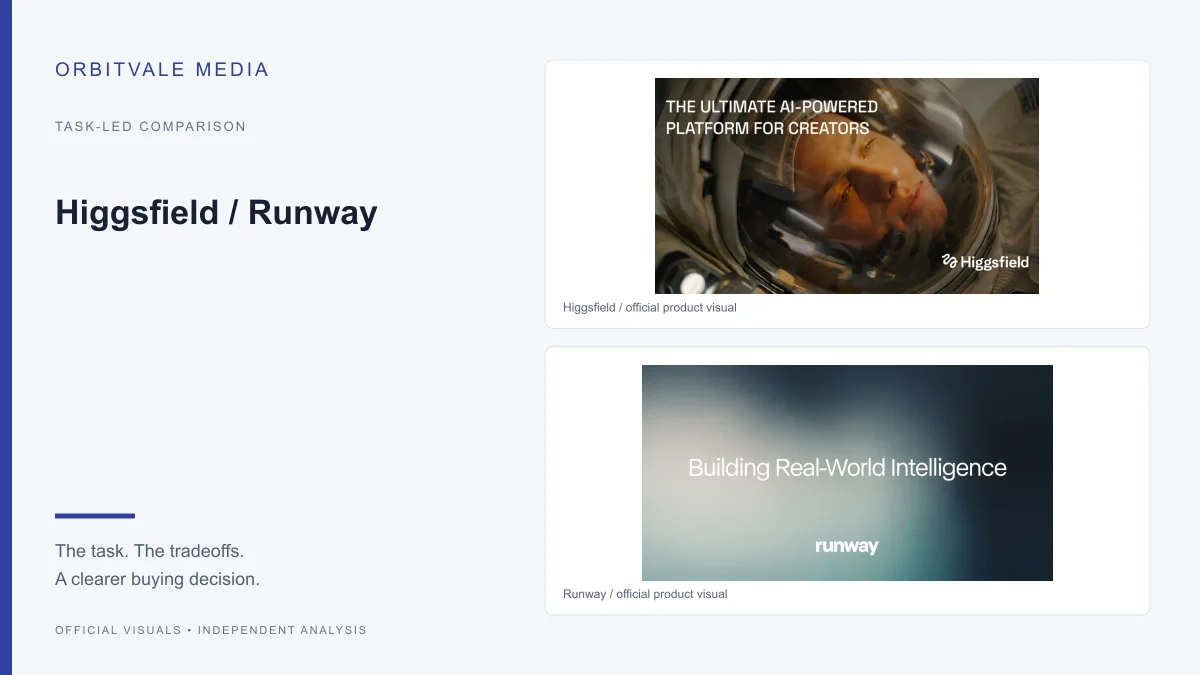
Higgsfield and Runway both merit investigation for generative creative work, but the meaningful comparison is model- and task-specific. A broad brand-level quality verdict ages quickly. Freeze the visual brief, record the selected creation route and compare how much control and revision effort each requires to deliver an accepted shot.
Table of Contents
The common task
Create three atmospheric inserts for a real tableware campaign. Preserve the featured product’s shape, leave typography space and connect the shots to actual footage. Include a requested colour revision after the initial selection.
This is a proposed comparison, not a report of controlled product tests. Use the same source material, required outcome and review standard for every candidate. When products solve different stages, compare the complete architecture instead of forcing an artificial winner.
The decision in one view
| Dimension | What to compare |
|---|---|
| Control | Compare the camera, reference and motion controls available in the selected route, not a feature from another model. |
| Consistency | Check object identity and visual style across the sequence. |
| Accepted cost | Count rejected attempts and revision work in addition to the final duration. |
| Handoff | Import the real export into the campaign edit and inspect timing, format and colour. |
| Repeatability | Retain prompts, settings and files; distinguish a retained recipe from a guaranteed reproducible result. |
Where each candidate earns a place
Higgsfield
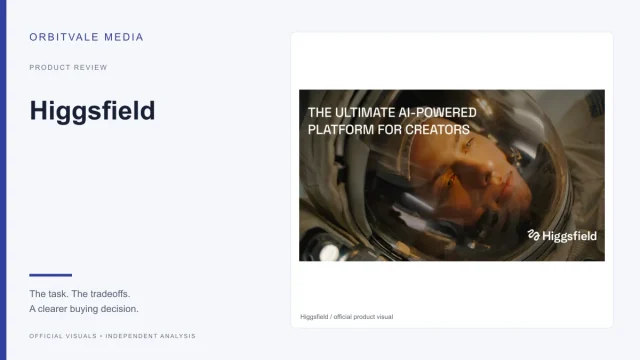
Higgsfield is worth investigating for image and video concept work where camera treatment, visual motion and rapid variation are central to the brief. The site brings several creation routes into one creative environment. That breadth makes it especially important to identify the exact model and workflow being assessed instead of assigning one quality claim to the whole platform.
Strong-fit brief: A creative operator exploring synthetic campaign scenes, visual directions or storyboards with an editor responsible for the final sequence.
Weak-fit brief: A merchant needing unquestioned documentary evidence, precise product mechanics in every frame, or a predictable per-shot cost without accounting for rejected generations.
Full Higgsfield analysis · Official website.
Runway
Runway belongs on a generative-media shortlist when the team can describe the shot it needs and has an editor ready to use the result. The product’s changing models and creative surfaces make version-specific evaluation essential. A useful result comes from the selected model, reference, settings and downstream edit; a general statement that “AI video looks good” is not a buying decision.
Strong-fit brief: An agency or brand team creating synthetic inserts, visual concepts or stylized media within an existing production workflow.
Weak-fit brief: A factual product demonstration requiring guaranteed exact mechanics, or a buyer assuming every generated second becomes a publishable second.
Full Runway analysis · Official website.
Run the evaluation through six checkpoints
1. Define the source and ownership
| Candidate | Product-specific task |
|---|---|
| Higgsfield | Define three acceptance rules: For the plate example: stable rim geometry, no invented brand text and a usable five-second camera movement. Define rejection before choosing a favourite image. |
| Runway | Define the edit slot: Set duration, ratio, motion direction and typography space. The shot should solve a specific transition problem. |
2. Prepare the representative case
| Candidate | Product-specific task |
|---|---|
| Higgsfield | Build a controlled reference: Use the same product image, aspect ratio and lighting direction in the first comparison. Change one creative variable so the team learns from the result. |
| Runway | Choose one creation route: Record model, reference and output settings. Avoid mixing generations from different routes without labels. |
3. Inspect the first accepted result
| Candidate | Product-specific task |
|---|---|
| Higgsfield | Log each attempt: Keep prompt, model, settings, generation cost and rejection reason. An accepted shot without its recipe is hard to revise for the next campaign. |
| Runway | Make a controlled comparison: Change one parameter at a time. Keep rejected versions and explain why they fail the edit. |
4. Introduce an ordinary exception
| Candidate | Product-specific task |
|---|---|
| Higgsfield | Review temporal consistency: Scrub through the export. Look at contact with the table, reflections, changing object counts and background people rather than selecting only the strongest frame. |
| Runway | Inspect moving details: Look for flicker, geometry drift and unexpected text. Watch at normal speed as well as frame by frame. |
5. Ask another operator
| Candidate | Product-specific task |
|---|---|
| Higgsfield | Cut beside real footage: Match colour, motion and scale in the actual editing project. An isolated beautiful shot may be impossible to connect to the product demonstration. |
| Runway | Test the downstream timeline: Place the clip next to real footage, titles and audio. Check the beginning and end, where transitions often reveal mismatched movement. |
6. Price and document the result
| Candidate | Product-specific task |
|---|---|
| Higgsfield | Cost the accepted sequence: Count the attempts that produced no usable footage and the time spent selecting and repairing. Archive the approved final export separately from the generation history. |
| Runway | Request a real revision: Change one visual detail after the first approved version. Measure the rework and retain the final file independently of the account. |
Operating questions behind the comparison
Write acceptance before seeing a beautiful frame
A production brief should state what must remain stable: the object’s identity, the action, duration, framing and forbidden details. Separate a mood reference from a factual product reference. A scene can be aesthetically successful yet commercially unusable because the logo, count or mechanism changes.
Use explicit rejection codes such as identity drift, temporal artefact, unsuitable movement or unsupported claim. This makes an attempt log useful for learning. Without a rule, teams often choose the most attractive frame and discover only in the edit that the shot cannot perform its intended role.
Use an attempt budget and a stopping rule
Decide how many experiments the brief justifies and what each will vary. Keeping the reference and changing one control gives more useful information than rewriting the entire prompt after every result. The aim is to narrow uncertainty, not to continue until a favourite appears.
Set a fallback before spending the full allowance. A simpler real shot, static graphic or shorter transition may serve the audience better than a complex generation that consumes the week. A useful stopping rule says when the team will simplify the concept or change the production method.
Inspect the final sequence, not isolated clips
Motion continuity, colour, scale and rhythm become visible when shots sit together. A generated insert may look excellent alone but pull attention away from the real product demonstration. Test the cut with the intended titles, narration and music.
Review the exported file at normal speed and on pause. Look at contact with surfaces, repeated objects, small lettering and changes near the clip boundary. If a shot is only acceptable when viewed quickly at low resolution, it may not be robust enough for a campaign that customers will replay.
Maintain a production recipe
Keep the accepted file, source assets, permission record, model, settings, prompt and selection notes. Different tools expose different parts of this history, so retain what the team can reasonably capture. A vendor update can change the behaviour of the same prompt.
The archive should support a real revision: change the colour direction, replace a product or adapt the ratio. If the exact result cannot be regenerated, the retained export is still useful. Do not confuse a saved prompt with a guaranteed reproducible source project.
Compare the same complete cost
Higgsfield cost drivers
Suppose six approved shots require 24 attempts, with a stated average planning cost of $1.20 per attempt. Creation spend would be $28.80, or $4.80 per accepted shot, before subscription allocation, editing and review. If only three shots pass, that same spend is $9.60 each. These are hypothetical figures illustrating acceptance-rate sensitivity, not Higgsfield prices or test results.
Check current Higgsfield pricing.
Runway cost drivers
For 40 final seconds, planning at acceptance rates of 50%, 25% and 10% implies 80, 160 and 400 generated seconds before revisions. The vendor’s actual charging unit may also depend on model and resolution. Translate those scenarios into current account charges and add selection, compositing and approval time.
| Shared cost line | Comparable assumption |
|---|---|
| Required subscription | Use the tier that contains the actual workflow and record currency, billing interval and team size. |
| Variable services | Count the real billing unit and separately priced carrier, payment, communication or model services. |
| Setup and change | Include source cleanup, integration, training and the first meaningful revision. |
| Review and exceptions | Budget the people who approve outputs, investigate discrepancies and complete customer follow-up. |
| What disappears | Only count a saving when the old subscription or manual task can actually be retired. |
Reasons to reject a candidate
Higgsfield limits for this task
- Reference drift: A supplied product photo guides generation but does not guarantee every detail. Reject shots that alter a commercially significant feature.
- Model-specific assumptions: Features shown in a showcase may belong to a specific route, model or paid entitlement. Check the account used for the actual pilot.
- Synthetic evidence: A generated scene can accidentally become an implied product claim. Keep factual use and performance tied to demonstrable source material.
Runway limits for this task
- Version drift: Saved prompts can behave differently as models change. Keep accepted exports and document the actual model.
- Iteration cost: Rejected attempts still consume time and may consume credits. Budget the whole selection process.
- Factual substitution: A synthetic interface or physical action may imply an unsupported capability. Keep factual demonstrations based on real evidence.
These are evaluation questions, not assertions that a product always fails. When a limitation creates another handoff, assign an owner and price that work. If neither candidate meets the essential requirement, revise the shortlist rather than quietly weakening the requirement after seeing a polished demo.
The comparison mistake to avoid
Do not compare the best clip from twenty attempts with a first attempt from another platform. Give both the same acceptance rules and report the selection effort.
Our conditional recommendation
Choose after a controlled attempt budget with a clear fallback. The stronger candidate is the one that produces the required sequence at an acceptable combined generation and editing cost. A different brief may reverse the result, and an actual product demonstration may still belong in a camera shoot.
What to retain after deciding
Keep the original brief, selected account configuration, accepted output and changed-case result. Record which assumption would reverse the recommendation: volume, team ownership, output format or the cost of an exception. This makes the comparison useful again when the business changes. A decision to postpone a purchase is also a valid result when the process or source data is not ready.
Sources, image credits and scope
OrbitVale’s analysis combines official product information with proposed operating exercises. We have not represented these exercises as hands-on tests, measured vendor results or customer case studies. Calculations use stated assumptions. Product and plan sources were reviewed on November 4, 2026.
Higgsfield: Official overview · Current pricing · Supporting official source 1 · Supporting official source 2 · Supporting official source 3.
Runway: Official overview · Current pricing.
Official visuals are credited beside each figure; they are vendor-published material, not independent test screenshots. Interactive plan displays and account-specific terms can differ. Confirm checkout, region and required entitlements before purchasing. See our editorial method and commercial disclosure.