Research-based comparison · 9 min read · Source check: November 4, 2026
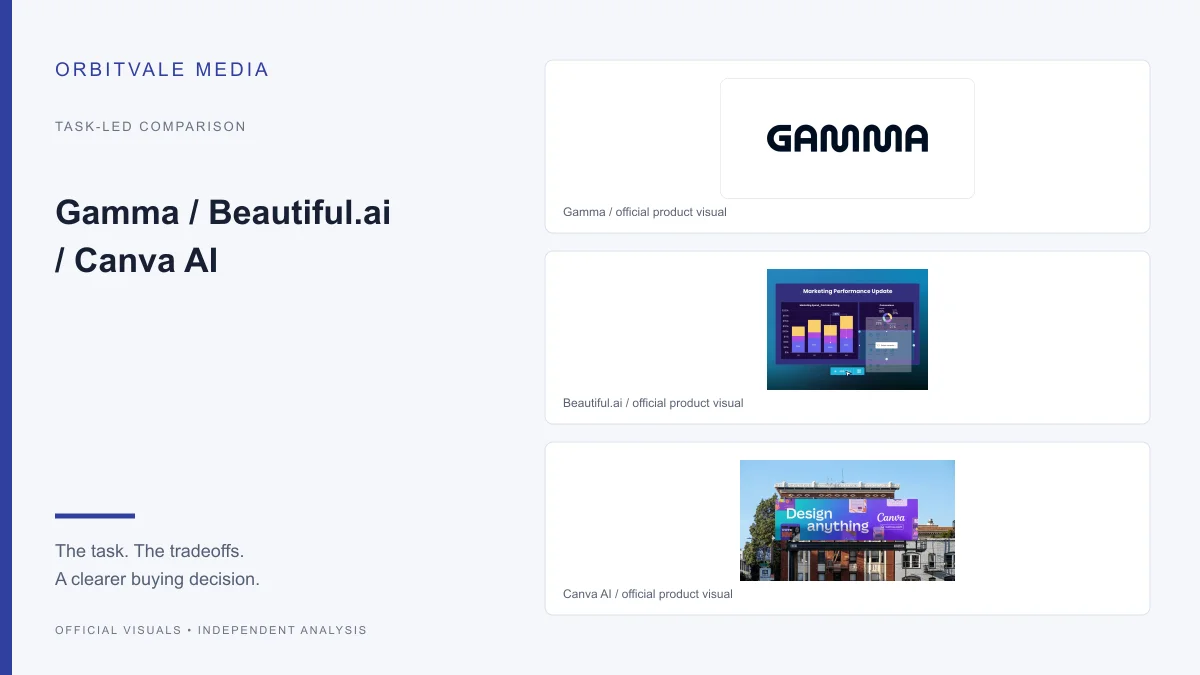
Gamma, Beautiful.ai and Canva can all help make visual communication, but their strongest fit depends on how the material is authored, shared and maintained. A web-oriented proposal, a structured business deck and a broader campaign design set are different buying briefs. Test the difficult content and recipient format before choosing.
Table of Contents
The common task
Create a wholesale proposal containing real product photos, a cost table and an important qualification. A second colleague changes quantities, and a retailer opens the final editable file or approved web link.
This is a proposed comparison, not a report of controlled product tests. Use the same source material, required outcome and review standard for every candidate. When products solve different stages, compare the complete architecture instead of forcing an artificial winner.
The decision in one view
| Dimension | What to compare |
|---|---|
| Primary format | Decide whether the recipient needs a live web explanation, a slide deck or a campaign asset set. |
| Layout constraint | Compare how the tool handles long labels and evidence-heavy slides. |
| Brand reuse | Ask another author to update the material without creating a new visual identity. |
| Export | Inspect the actual receiving application, not only the creator preview. |
| Source control | Keep the fact sheet and the approved version connected. |
Where each candidate earns a place
Gamma
Gamma is appealing when a business wants to move from an outline to a shareable visual explanation quickly. The web-oriented format can suit proposals, training and product narratives. The real purchasing test comes after the first draft: can the author correct facts, reorganize the argument and deliver a usable result to the recipient’s actual software?
Strong-fit brief: A founder, consultant or marketer creating proposals and explainers from verified source material.
Weak-fit brief: A workflow with untested strict PowerPoint fidelity, complex presentation engineering or no author checking generated claims.
Full Gamma analysis · Official website.
Beautiful.ai
Beautiful.ai makes a clear proposition to business presenters: structured slide design can reduce the time spent aligning objects and maintaining consistency. The useful constraint is one that helps the author express the necessary evidence. A difficult pricing table or long qualification is a better evaluation than another clean headline slide.
Strong-fit brief: A business team producing recurring presentations with common layouts and an owner for the underlying argument.
Weak-fit brief: A designer requiring unrestricted layout control, or a team that has not tested its complex tables and required editable exports.
Full Beautiful.ai analysis · Official website.
Canva AI
Canva AI is most interesting as part of a broad design workflow: marketing teams can move between generated ideas, templates and familiar publishing formats in one environment. That can reduce handoffs for recurring campaign assets. Its breadth also requires restraint, because every generated variation can become another inconsistent brand file if the team has no approved template.
Strong-fit brief: A small marketing team creating recurring social, email, presentation and print assets with shared brand rules.
Weak-fit brief: A specialised print or editing workflow with untested export requirements, or a brand using generated imagery as factual product photography.
Full Canva AI analysis · Official website.
Run the evaluation through six checkpoints
1. Define the source and ownership
| Candidate | Product-specific task |
|---|---|
| Gamma | Write the audience decision: For the proposal, the buyer should understand the range, commercial assumptions and next step. Remove slides that do not help that decision. |
| Beautiful.ai | Choose difficult slides: Include a dense table, a chart and a long product label. Easy overview slides do not reveal constraint problems. |
| Canva AI | Collect brand facts: Use an approved offer, product image, palette and type reference. Identify the person who owns the campaign copy. |
2. Prepare the representative case
| Candidate | Product-specific task |
|---|---|
| Gamma | Prepare a source outline: Separate verified facts from projections. Include the source and assumption behind every number. |
| Beautiful.ai | Apply real brand material: Use the actual fonts, colours and imagery. Check substitutes if the export application lacks a font. |
| Canva AI | Create a reference asset: Fix the important hierarchy and safe areas. Use it as the comparison point for generated alternatives. |
3. Inspect the first accepted result
| Candidate | Product-specific task |
|---|---|
| Gamma | Generate a short draft: Use representative content: a product image, a cost table and a difficult qualification. Avoid evaluating only title slides. |
| Beautiful.ai | Build the evidence sequence: Explain the decision before polishing the layout. Ensure every slide advances a point the audience needs. |
| Canva AI | Explore a small set: Change one visual direction at a time. Keep the chosen rationale rather than retaining dozens of unexplained drafts. |
4. Introduce an ordinary exception
| Candidate | Product-specific task |
|---|---|
| Gamma | Make substantive edits: Change the ordering and one commercial assumption. Check whether the document remains coherent rather than just visually balanced. |
| Beautiful.ai | Ask for a normal revision: Have another person change a number and expand a label. See whether the layout helps them or conceals content. |
| Canva AI | Verify the generated details: Check spelling, prices, dates and product representation. A plausible package may contain invented branding. |
5. Ask another operator
| Candidate | Product-specific task |
|---|---|
| Gamma | Test recipient access: Open the link with the intended permissions and device. Confirm the recipient sees only what was approved. |
| Beautiful.ai | Inspect review controls: Confirm the team can identify the approved version and distinguish a comment from an accepted change. |
| Canva AI | Rehearse reuse: Ask another teammate to update the date and resize the asset. The template should make that ordinary work reliable. |
6. Price and document the result
| Candidate | Product-specific task |
|---|---|
| Gamma | Inspect the export: Use the recipient’s actual application. Repair clipping, font differences and non-editable material before sending. |
| Beautiful.ai | Open the recipient file: Check charts, tables and editability. A screenshot-like slide may be fine for viewing but inadequate for the recipient’s update task. |
| Canva AI | Inspect destination files: Check phone readability and the print provider’s requirements. Keep the accepted editable source and final export linked. |
Operating questions behind the comparison
Start from the audience’s decision
A deck should help a specific person understand or decide something. Write that outcome in a sentence, then choose the evidence required. An AI-generated outline can suggest structure, but the author must decide which argument is defensible.
Use real product images, source numbers and explicit assumptions. Do not let a visually balanced slide turn a forecast into an observed result. A useful deck distinguishes what is known, what is estimated and what decision is being requested.
Test the difficult content early
Include a dense comparison, long label, real chart and an important qualification in the first trial. Many tools handle a headline and stock image well; the hard content reveals whether the layout model fits your business.
Ask a second author to change the figures and add a row. If the only way to preserve the design is to remove necessary evidence, the format is constraining the argument too much. Choose a simpler visual or a different authoring route.
Evaluate the recipient’s format
A live web presentation, a PDF and an editable slide file are different deliverables. Decide which one the recipient needs before assessing the tool. Open the actual export in the recipient’s software and inspect fonts, clipping, charts and editability.
For shared links, test permissions from another account. For files, confirm that the approved version is identifiable. A browser preview is evidence of one viewing route, not a guarantee about every export.
Keep a source and revision register
Record the source of important numbers and the person who can authorize changes. A recurring proposal should not copy an old price simply because the previous deck looked good.
Keep accepted outputs and editable sources connected. When a commercial term changes, locate every slide or document that repeats it. Measure this ordinary revision cycle in the pilot; it is often a better predictor of value than initial drafting speed.
Compare the same complete cost
Gamma cost drivers
For six proposals, suppose a draft saves 25 minutes but export repair adds 15 minutes and source checking adds 8 minutes. The illustrative net benefit is two minutes each, before subscription cost. In another workflow where web sharing removes export work, the benefit may be larger. Test the format your own recipients use.
Beautiful.ai cost drivers
Eight monthly decks with 20 minutes of avoidable formatting each imply 160 minutes of potential gross benefit. Deduct the work required for unusual slides, source verification and export repair. Compare the remaining benefit with the selected individual or team subscription and the frequency of real use.
Check current Beautiful.ai pricing.
Canva AI cost drivers
A team updating 40 recurring assets could save 160 minutes if a maintained template removes four minutes per update. That is an assumption to test. Deduct the time spent maintaining the template, reviewing generated details and repairing destination files, then compare the selected team plan.
Check current Canva AI pricing.
| Shared cost line | Comparable assumption |
|---|---|
| Required subscription | Use the tier that contains the actual workflow and record currency, billing interval and team size. |
| Variable services | Count the real billing unit and separately priced carrier, payment, communication or model services. |
| Setup and change | Include source cleanup, integration, training and the first meaningful revision. |
| Review and exceptions | Budget the people who approve outputs, investigate discrepancies and complete customer follow-up. |
| What disappears | Only count a saving when the old subscription or manual task can actually be retired. |
Reasons to reject a candidate
Gamma limits for this task
- Evidence disguised by design: A convincing layout can lend authority to an unsupported number. Source the number separately.
- Format mismatch: A strong web document can become a poor file export. Evaluate the final medium early.
- Uncontrolled shared versions: A live link can change after review. Establish what version was approved and who may update it.
Beautiful.ai limits for this task
- Constraint mismatch: Automatic layout can resist an unusual evidence structure. Test the hardest slide before committing the whole deck.
- Plan assumptions: A brand feature on a marketing page may require a different tier. Confirm the required team configuration.
- Export repair: A visually correct browser presentation can change elsewhere. Include file checking in the production process.
Canva AI limits for this task
- Template proliferation: A shared account can fill with inconsistent near-duplicates. Establish one approved source per campaign asset.
- Licensing variation: Stock, fonts and generated media have different terms. Review the asset’s intended use and current entitlement.
- Synthetic product errors: Use actual photography where the customer needs an accurate representation of what is sold.
These are evaluation questions, not assertions that a product always fails. When a limitation creates another handoff, assign an owner and price that work. If neither candidate meets the essential requirement, revise the shortlist rather than quietly weakening the requirement after seeing a polished demo.
The comparison mistake to avoid
A visual draft can improve formatting while weakening the argument. The source facts and audience decision remain the author’s responsibility.
Our conditional recommendation
Investigate Gamma when the web document experience fits the audience, Beautiful.ai when structured slide design helps recurring business material, and Canva when the team values a broader maintained design environment. Choose after the recipient and second-editor exercises, not the most polished first draft.
What to retain after deciding
Keep the original brief, selected account configuration, accepted output and changed-case result. Record which assumption would reverse the recommendation: volume, team ownership, output format or the cost of an exception. This makes the comparison useful again when the business changes. A decision to postpone a purchase is also a valid result when the process or source data is not ready.
Sources, image credits and scope
OrbitVale’s analysis combines official product information with proposed operating exercises. We have not represented these exercises as hands-on tests, measured vendor results or customer case studies. Calculations use stated assumptions. Product and plan sources were reviewed on November 4, 2026.
Gamma: Official overview · Current pricing.
Beautiful.ai: Official overview · Current pricing · Supporting official source 1.
Canva AI: Official overview · Current pricing.
Official visuals are credited beside each figure; they are vendor-published material, not independent test screenshots. Interactive plan displays and account-specific terms can differ. Confirm checkout, region and required entitlements before purchasing. See our editorial method and commercial disclosure.