Research-based product review · 8 min read · Source check: November 4, 2026
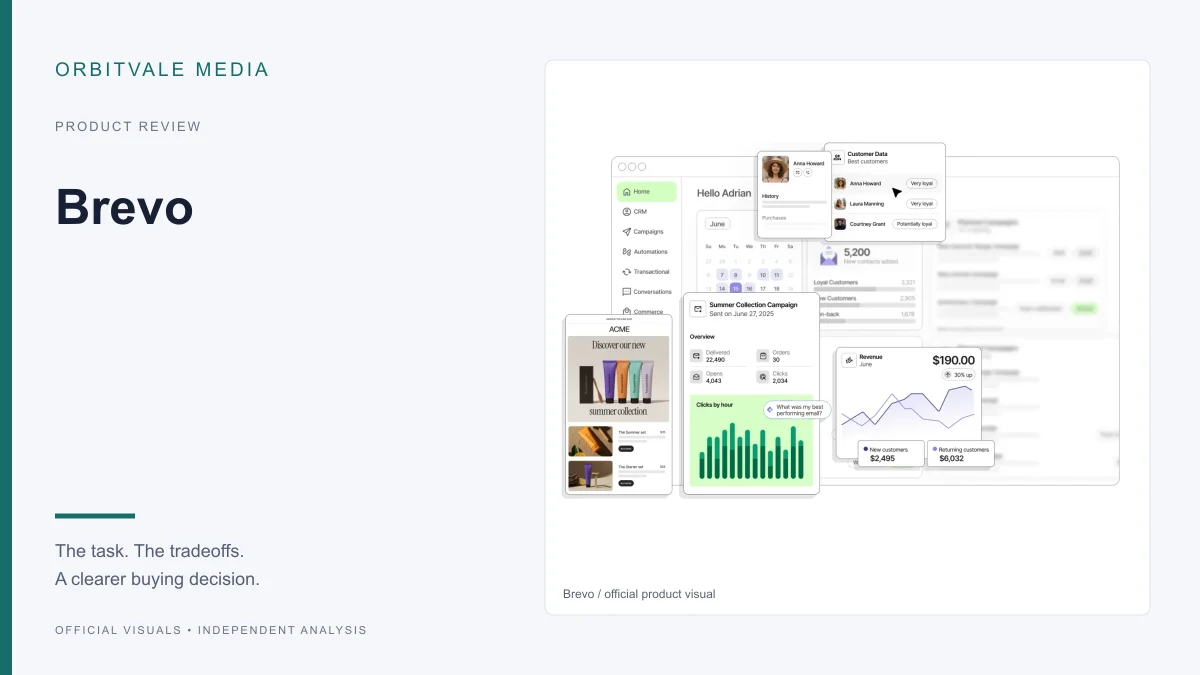
Brevo is worth considering when a business needs permission-based messaging and wants to compare cost through its actual sending pattern. The platform covers more than email, but purchasing decisions should begin with the specific channel and customer journey required. A large send allowance does not automatically include the necessary automation, contacts or transactional setup.
We would investigate it for a store moving beyond improvised campaign sending. Use a recurring newsletter plus one purchase-related journey to expose the real plan requirements. Current lower-priced tiers can have contact limits as well as send limits, so the familiar claim that all paid plans mean unlimited stored contacts should be checked carefully.
Table of Contents
The buying decision
| Put it on the shortlist when | Choose another route when |
|---|---|
| A small business evaluating email and customer messaging with a clear contact count, send pattern and consent record. | A buyer comparing only headline send volume, or one assuming every marketing, transactional and sales feature shares the same entitlement. |
A realistic job for Brevo
A personal care brand sends a monthly education email and replenishment reminders. The proposed trial distinguishes promotional permission from necessary order communication and tests a customer who opts out of marketing after buying.
What the capabilities mean in practice
Email marketing
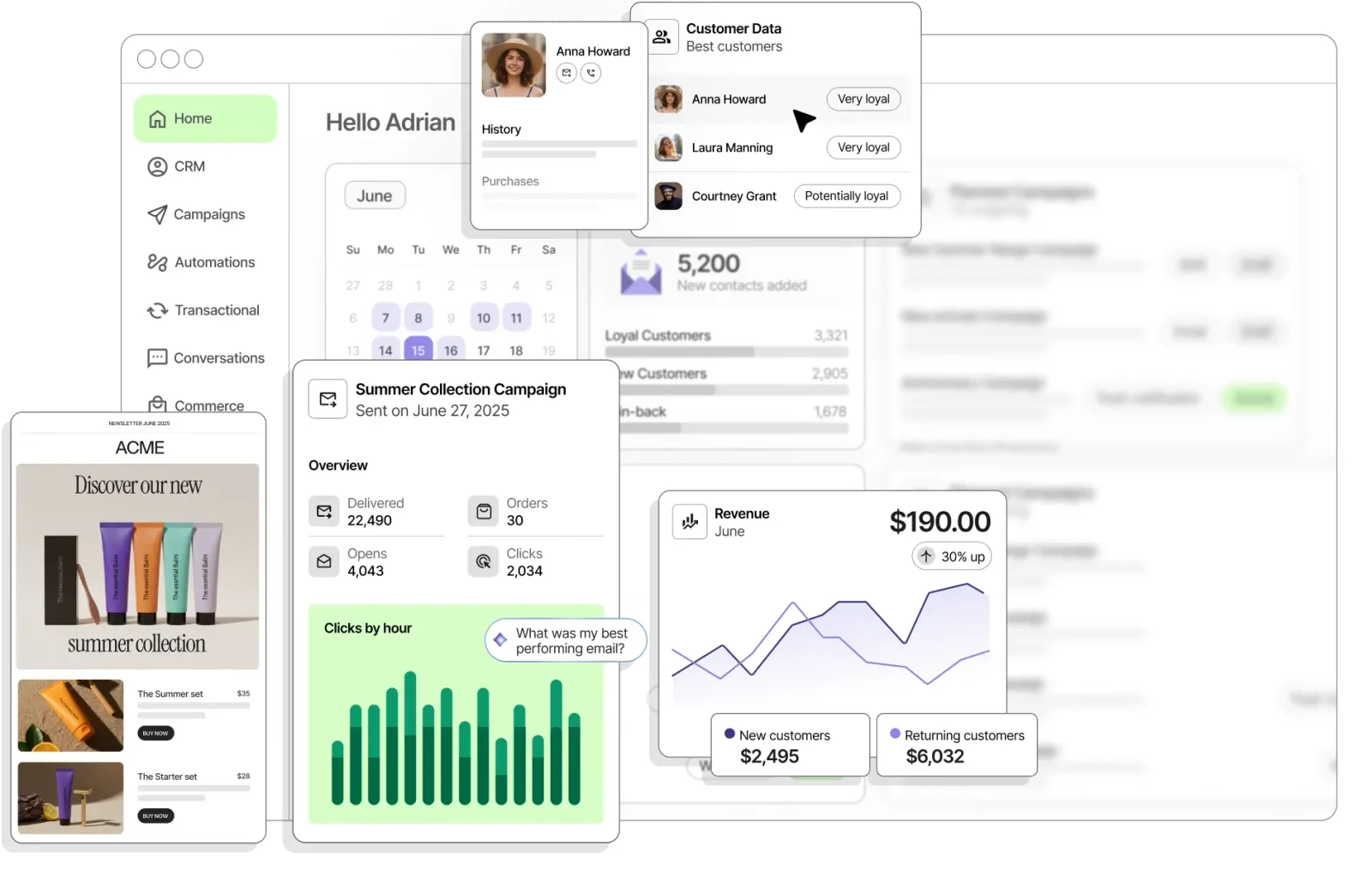
Brevo provides campaigns and marketing automation capabilities. Official product overview.
Map the actual journey and audience. Do not turn every operational notification into another marketing message.
Transactional messaging
The vendor offers transactional communication products. Official product overview.
Confirm the sending setup, authentication and selected service separately from the newsletter workflow.
Customer records
The platform supports contact and relationship workflows. Official product overview.
Check current contact caps and data organization on the selected plan. Stored records and billable sends are different dimensions.
Multiple channels
Brevo markets several messaging and customer products. Official product overview.
Price each required channel and destination. An email allowance does not describe SMS or every premium capability.
Current plan boundaries
Plan, monthly send tier, contact-storage limits and add-ons matter. The official help article lists Free at 300 sends/day and up to 100,000 stored contacts; unused daily sends do not roll over. Low paid tiers also impose contact-storage caps, not just send limits. Official plan source.
- Starter/Standard at 5,000 monthly sends allow only up to 500 stored contacts in the current help table; do not say every plan has unlimited contacts.
- Standard adds unlimited automation contacts, A/B testing and a landing page. SMS/WhatsApp credits and additional seats can be separate costs.
The snapshot above is tied to the review date. Promotions, billing interval, location and account migration can change the payable amount. The decision below uses the cost drivers rather than pretending a headline fee describes every configuration.
A practical evaluation sequence
Use the following as a proposed pilot. Keep source inputs and accepted outputs so another person can review the result. The sequence is designed around the task above; it is not a claim that OrbitVale ran an account test.
1. Classify messages
Separate educational campaigns, replenishment prompts and required order notices. Record the purpose and permission basis for each.
2. Count the audience
Estimate active contacts, suppressed contacts and expected growth. Check how the current plan treats each group.
3. Verify sending identity
Use the domain and sender intended for production. Test authentication and a monitored reply path before a large import.
4. Build one lifecycle message
Use a reliable purchase date and product category. Avoid treating a returned item as a replenishment opportunity.
5. Test preference changes
Opt out of marketing and inspect scheduled activity. A preference change must affect more than the next manual campaign.
6. Price a busy month
Include seasonal campaigns, welcome sends and the separate communication services actually needed.
The operating details that decide the fit
Define the customer state before the message
A useful lifecycle programme needs a small set of states that change the next action: prospect, first buyer, repeat buyer or inactive customer, for example. Each state should come from a maintained source. A click is an engagement signal, while a completed purchase belongs to the order system.
Write the transition and exit conditions. A customer who buys should not continue receiving a first-order pitch simply because the automation started earlier. A returned order may need another treatment. Keep late events and changed email addresses in the evaluation.
Review the combined contact calendar
Individual flows can look reasonable while the customer receives too many messages overall. Inspect one representative customer’s scheduled campaigns, automations and service communication together. Decide which message has priority when several purposes compete.
Use explicit suppression and preference rules. Unsubscribing should affect the appropriate future communication, including queued automated sends. Required order communication and promotional contact have different purposes; keep the system and the customer explanation clear.
Use metrics with an honest denominator
A sent email is not an accepted business outcome. Keep delivery, relevant engagement and downstream action separate. Opens can be affected by privacy and automated activity, while clicks can also include non-human behaviour. Interpret them with replies, purchases or qualified leads where appropriate.
When possible, compare an appropriate holdout or stable period rather than crediting every later order to the message. Label observational results as such. The aim is to learn what helps customers, not maximize the apparent revenue assigned to one tool.
Keep a maintainable template and event map
Record sender identity, audience source, event names, plan requirements and the person who owns each flow. A second operator should be able to change an offer and trace why a customer entered a sequence.
Review seasonal campaigns and inactive automations. An old discount or obsolete resource can remain live long after the original project ends. The subscription comparison should include this routine maintenance as well as writing and design.
Tradeoffs and reasons to reject the fit
Outdated pricing memory
Contact caps and packaging can change. Use the current plan details rather than an old comparison article.
Channel confusion
Email, SMS and transactional routes can have distinct economics and setup. Keep the estimate separated by service.
Unmaintained reply channel
Sending is only part of customer communication. Assign responsibility for replies and delivery exceptions.
Pricing the complete job
Sends, contacts and channel costs
A list of 8,000 receiving three campaigns creates 24,000 planned campaign sends before automation. Model a seasonal month with five campaigns as 40,000 sends, then add triggered journeys. Check the applicable contact band and keep transactional or SMS costs separate. Count the effort to review audiences and respond to customers.
| Cost line | Include in the estimate |
|---|---|
| Required subscription | Use the tier that contains the actual workflow and record currency, billing interval and team size. |
| Variable services | Count the real billing unit and separately priced carrier, payment, communication or model services. |
| Setup and change | Include source cleanup, integration, training and the first meaningful revision. |
| Review and exceptions | Budget the people who approve outputs, investigate discrepancies and complete customer follow-up. |
| What disappears | Only count a saving when the old subscription or manual task can actually be retired. |
Keep a normal-month estimate and a busy-month estimate. Use the same accepted outcome in both. If the tool produces an intermediate draft, alert, record or label, include the remaining work needed to complete the customer or publishing task. Replace the example assumptions with your own observed figures after the pilot.
Alternatives and the boundary between jobs
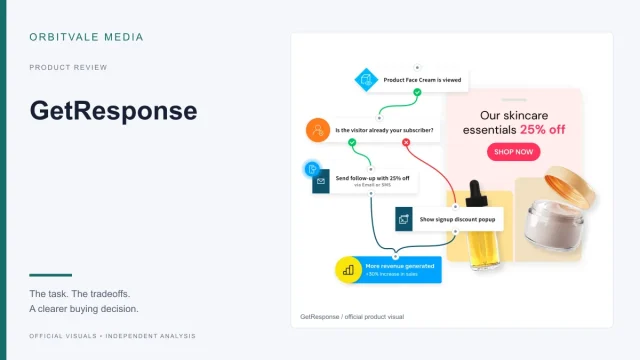
GetResponse
Read the GetResponse review. A small ecommerce or knowledge business combining acquisition pages with permission-based email and a manageable automation programme.
GetResponse is a sensible shortlist when email marketing and lead capture currently live in disconnected tools. Forms, landing pages and automations can support one customer journey from initial interest to a useful follow-up. The important question is whether the chosen plan covers the actual journey, including ecommerce events and the maintenance of customer permission.
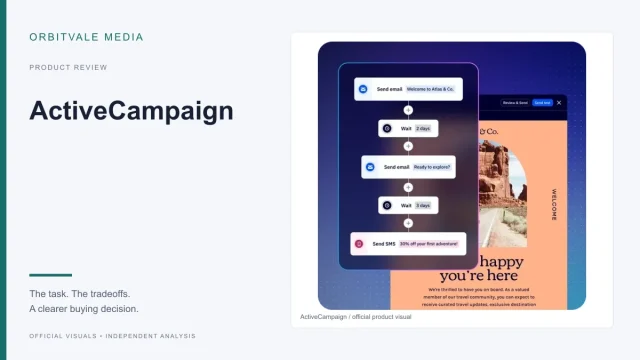
ActiveCampaign
Read the ActiveCampaign review. A growing business coordinating lifecycle email, segmentation and selected sales handoffs with a responsible automation owner.
ActiveCampaign is most relevant when customer follow-up depends on several signals rather than a single newsletter list. Purchases, engagement, preferences and sales activity can inform a more deliberate next message. The value comes from a usable customer state and understandable automation logic, not from creating the largest possible decision tree.
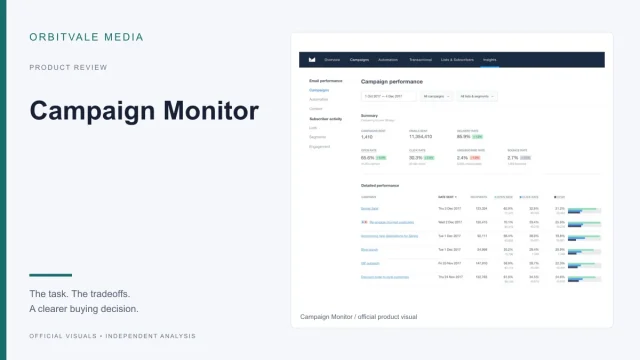
Campaign Monitor
Read the Campaign Monitor review. A small marketing team producing recurring branded email campaigns with manageable segmentation and a clear approval owner.
Campaign Monitor deserves consideration for a business whose recurring job is producing, segmenting and reviewing email campaigns. A clean newsletter workflow can be more valuable than an expansive automation platform when the team’s needs are well defined. The evaluation should include list hygiene, mobile rendering and how a colleague updates a campaign under deadline.
A decision record to keep
For Brevo, record the selected account and plan, the specific job, the accepted output and the unresolved limitation. The acceptance decision should explain whether “outdated pricing memory” is manageable for this business. Name the owner of the next review and preserve the result of the changed-case exercise, not only the easiest first pass.
Our recommendation
Brevo is worth a deliberate trial when this describes your business: A small business evaluating email and customer messaging with a clear contact count, send pattern and consent record. The case is weaker when this remains true: A buyer comparing only headline send volume, or one assuming every marketing, transactional and sales feature shares the same entitlement. Start with the bounded scenario, price the complete job and expand after the team can explain the exceptions. Open the official Brevo website.
Sources, image credits and scope
OrbitVale’s analysis combines official product information with proposed operating exercises. We have not represented these exercises as hands-on tests, measured vendor results or customer case studies. Calculations use stated assumptions. Product and plan sources were reviewed on November 4, 2026.
Brevo: Official overview · Current pricing · Supporting official source 1.
Official visuals are credited beside each figure; they are vendor-published material, not independent test screenshots. Interactive plan displays and account-specific terms can differ. Confirm checkout, region and required entitlements before purchasing. See our editorial method and commercial disclosure.